
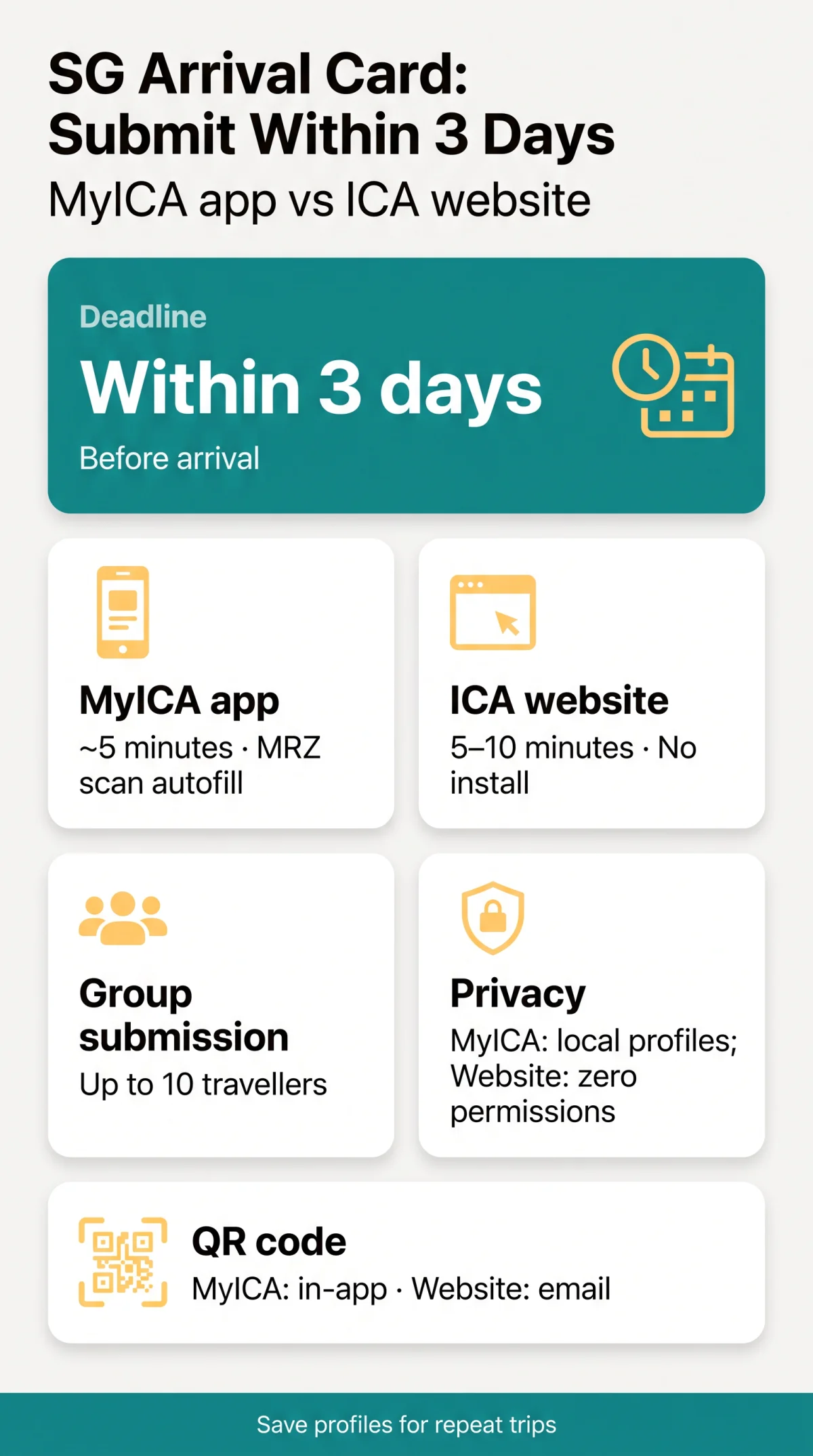
The SGAC app vs online form comparison reveals two free channels for submitting your SG Arrival Card: the MyICA mobile app (iOS/Android) with passport MRZ scan autofill and offline draft saving, or the ICA website e-Service requiring no installation. Both are due within 3 days before arrival. Last updated: 15 September 2026.
The Two SG Arrival Card Submission Methods Compared
The SG Arrival Card is a mandatory digital pre-arrival declaration incorporating an electronic health declaration, replacing the paper disembarkation/embarkation (DE) card discontinued on 27 March 2020. It can be submitted free of charge via the MyICA mobile app (iOS/Android) or the ICA website e-Service; both support group submission for up to 10 travellers within 3 days before arrival. Since 26 August 2026, the refreshed interface supports 19 languages and passport scan autofill expanded to long-term pass holders, per the Straits Times.
| Feature | MyICA App | ICA Website |
|---|---|---|
| Setup time | App download + login | Browser only, no install |
| Data entry | Passport MRZ scan autofill | Manual entry |
| Profile storage | Saved locally for repeat trips | Nothing stored locally |
| Offline draft | Available without connection | Requires continuous internet |
| Session timeout | No session expiry risk | Risk of timeout if idle |
| Privacy / permissions | Camera, storage; biometric lock | Zero device permissions |
| Group submission | Up to 10 travellers | Up to 10 travellers |
| Language support | 19 languages (2026 refresh) | 19 languages (2026 refresh) |
| Update after submit | Re-submit in app | Update SGAC feature |
| QR code delivery | In-app confirmation | Email confirmation |
| Estimated time | ~5 minutes | ~5-10 minutes |
| Cost | Free of charge | Free of charge |
| Verdict per Traveller Type | Frequent flyers, families (multi-profile) | First-time visitors, low-data plans |
Verdict per Traveller Type: Frequent flyers benefit from the MyICA app’s profile-saving function for repeat trips; first-time visitors may prefer the ICA website with zero installation; family groups can manage multiple permanent profiles in the app for subsequent trips; long-term pass holders can use Singpass information retrieval on either channel. The SG Arrival Card is not a visa and is valid for a single entry only.
How to Submit the SG Arrival Card: MyICA App vs ICA Website
The MyICA app auto-populates passport data via MRZ scan in approximately 5 minutes; the ICA website requires manual entry through a browser and takes 5-10 minutes, per estimates.
Using the MyICA Mobile App
Download the MyICA app
Download at no cost from the App Store (iOS) or Google Play (Android).
Create an account or log in
Create an account or log in to an existing profile.
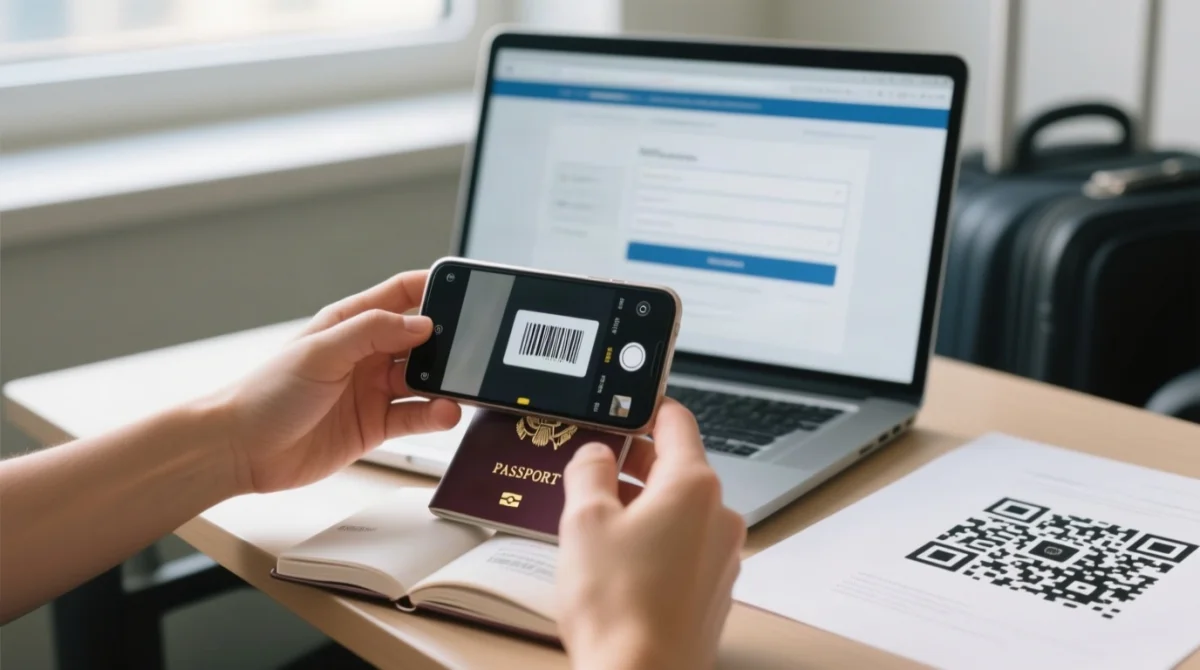
Scan your passport’s MRZ line
The app autofills key fields automatically.
Enter travel and health details
Enter flight, accommodation, and electronic Health Declaration details.
Review and submit
The app generates a QR code upon successful submission.
Retrieve Singpass information (eligible holders)
Singapore citizens, Permanent Residents, and Long-Term Pass holders can retrieve Singpass information to further streamline the process.
The MyICA mobile app requires camera and storage permissions for passport scanning and stores profiles locally on the device. It supports biometric lock (Face ID or fingerprint) for device-level security.
Using the ICA Website e-Service
Navigate to the SGAC e-Service portal
Open eservices.ica.gov.sg/sgarrivalcard in a modern browser (Edge, Firefox, Chrome, or Safari).
Log in with an ICA account
Use your ICA account credentials to access the e-Service.
Manually enter all required data
Enter all required passport, flight, accommodation, and Health Declaration data.
Review and submit
A confirmation email with QR code is sent to your declared address.
Use the “Update SGAC” feature if needed
Update travel or health details before arrival if they change.
Privacy, Security and Common Errors for the SG Arrival Card
The MyICA app requires camera and storage permissions to scan passport data and save profiles locally; it supports biometric lock (Face ID or fingerprint). The ICA website stores nothing locally and demands no device permissions. Both channels require SGAC submission within 3 days (including the day of arrival) before entry. False declarations are an offence: those providing false health declaration information may be prosecuted under the Infectious Diseases Act.
- MyICA app: camera, storage, and notification permissions; profiles stored on device; biometric lock available
- ICA website: zero local permissions; no data retained on device after submission; see ICA’s SGAC information page for data handling details
Common errors include website session timeouts when connectivity drops, passport scan failures in the app, incorrect accommodation details, and submitting outside the 3-day window. Any of these can cause delays or denial of entry into Singapore. Third-party commercial entities offering paid SGAC submission are not affiliated with or endorsed by ICA; the SG Arrival Card is free of charge.
After Submitting the SG Arrival Card: What Happens Next
After successful SGAC submission, a QR code is delivered via in-app confirmation (MyICA) or email (ICA website). An e-Pass is then sent to your declared email address; there is no Apple Wallet or Google Wallet integration currently. At Singapore immigration clearance, present your travel document to the ICA officer for biometric scan. The SG Arrival Card is valid for a single entry only; you must re-submit for each new trip.
SG Arrival Card (SGAC) FAQ
Can I fill out the SG Arrival Card online without downloading an app?
Yes – use the ICA website e-Service at eservices.ica.gov.sg/sgarrivalcard in any modern browser without installation.
Which is faster: the MyICA app or the ICA website?
MyICA app ~5 min (MRZ autofill, saved profiles); website ~5-10 min with manual entry.
Do I need an ICA account to submit the SGAC online?
Yes – both require an ICA account (website) or app account (MyICA).
Can I submit the SG Arrival Card on a flight without internet?
The MyICA app supports offline draft saving; the ICA website requires continuous internet and risks session timeout.
How do I retrieve my SGAC QR code after submitting?
QR code is sent by email (website) or shown in-app (MyICA) upon successful submission.
Is the MyICA app safe and what data does it store?
MyICA stores profiles locally, requires camera/storage permissions, and supports biometric lock; the website stores nothing.
Can my family use one app to submit SGACs for everyone?
Both channels allow group submission (up to 10); the app additionally saves profiles for repeat family trips.
What are the most common SGAC submission errors?
Errors: outside 3-day window, passport scan failure, session timeout, wrong accommodation. Verify data to avoid denial of entry.